.png)

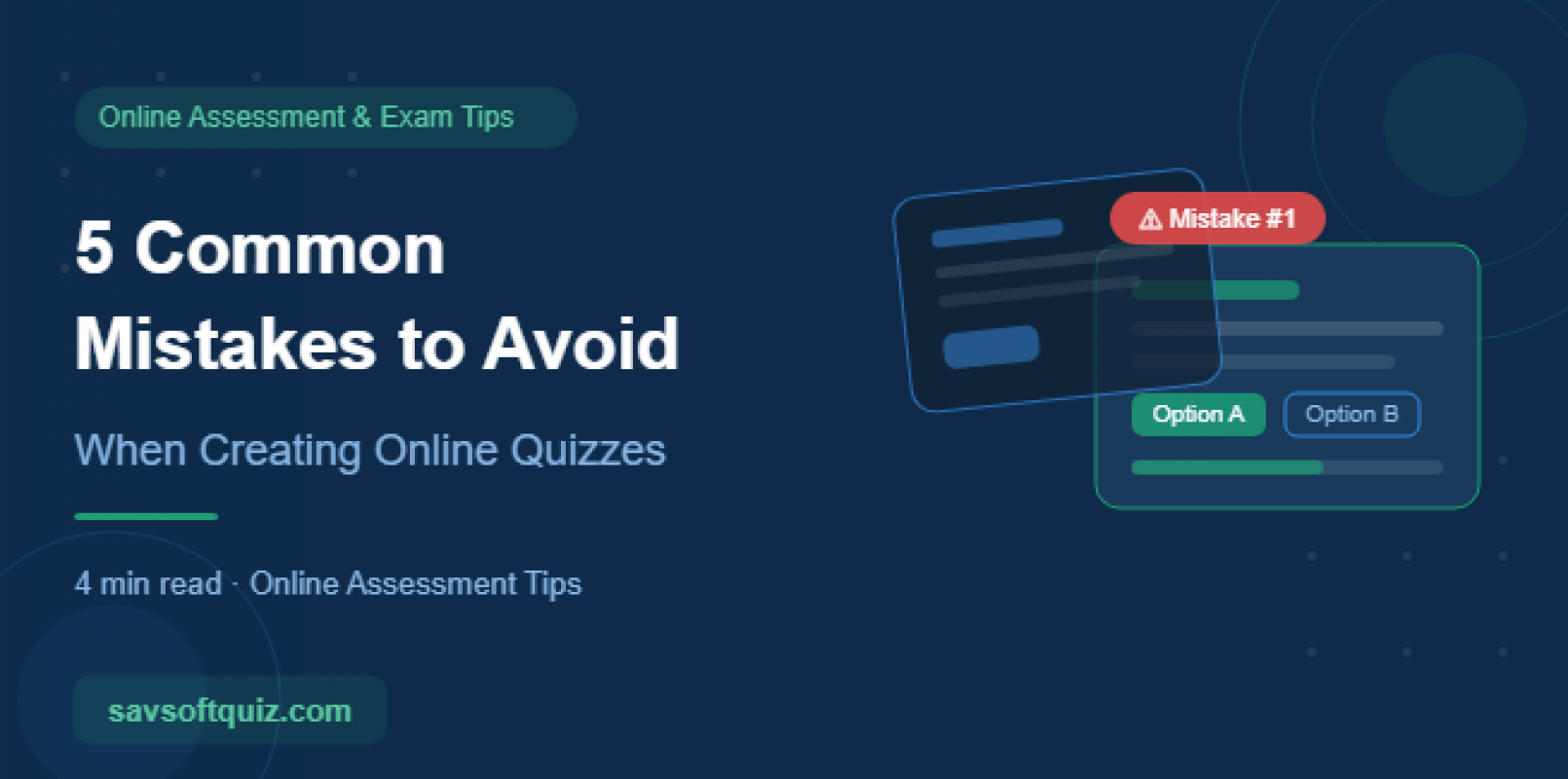
Creating an online quiz may seem simple write a few questions, set a timer, and hit publish. But in reality, poorly designed quizzes can frustrate learners, produce unreliable results, and weaken the overall purpose of the assessment.
Whether you're an educator, corporate trainer, or HR professional, avoiding these common mistakes will help you create quizzes that are fair, engaging, and effective.
Mistake 1: Writing Vague or Confusing Questions
One of the biggest mistakes quiz creators make is writing questions that can be interpreted in multiple ways. When questions are unclear, learners answer based on assumptions instead of actual knowledge.
What to do instead:
- Use simple and direct language
- Avoid double negatives such as: “Which of the following is NOT incorrect?”
- Focus on one concept per question
- Have someone review your questions before publishing
Poor Example:
“What can affect performance?”
Better Version:
“Which of the following factors directly affects employee performance in a remote work environment?”
Clear questions lead to more accurate assessments.
Mistake 2: Using Too Many or Too Few Questions
Quizzes that are too long can lead to fatigue and disengagement. On the other hand, quizzes that are too short may not properly evaluate the learner’s understanding.
What to do instead:
- Match the number of questions to the learning objective
- Use 5–10 questions for quick knowledge checks
- Use 30–50 questions for certification or detailed assessments
- Break long quizzes into sections to improve focus
A well-balanced quiz respects the learner’s time while still measuring meaningful outcomes.
Mistake 3: Ignoring Proper Scoring and Weightage
Not all questions are equally important. Yet many quiz creators assign the same score to every question, which can create inaccurate results.
What to do instead:
- Give higher weightage to complex or critical questions
- Use negative marking carefully and only when necessary
- Clearly explain the scoring system before the quiz starts
- Review quiz results regularly to ensure scoring reflects actual performance
A strong scoring structure makes assessments more reliable and meaningful.
Mistake 4: Neglecting Mobile Compatibility
Today, many learners access quizzes through smartphones and tablets. If your quiz isn’t optimized for mobile devices, users may struggle to complete it properly.
What to do instead:
- Choose a mobile-responsive quiz platform
- Test the quiz on different screen sizes before publishing
- Avoid complicated formats that don’t work well on small screens
- Keep answer choices short and readable
A smooth mobile experience keeps learners focused on the quiz — not the interface.
Mistake 5: Failing to Update Quiz Content Regularly
Many organizations create quizzes once and never review them again. Over time, questions become outdated, policies change, and answer choices lose relevance.
What to do instead:
- Review your question bank every 3–6 months
- Update content after policy, syllabus, or industry changes
- Use analytics to identify confusing or poorly performing questions
- Remove outdated questions that no longer match learning objectives
A regularly updated quiz stays accurate, relevant, and effective.
Conclusion
Creating an effective online quiz involves much more than simply adding questions. It requires clear communication, proper structure, fair scoring, mobile optimization, and continuous improvement.
By avoiding these five common mistakes, you can build assessments that genuinely measure knowledge and improve learning outcomes.
Ready to create smarter online quizzes?
With Savsoft Quiz, you get powerful features like question banks, analytics, AI proctoring, and mobile-friendly quiz management all designed to help you create better assessments with ease.
👉 Try the live demo and experience the difference yourself.




Comments
Loading comments...